When someone does not arrive, cover the shift in two taps.
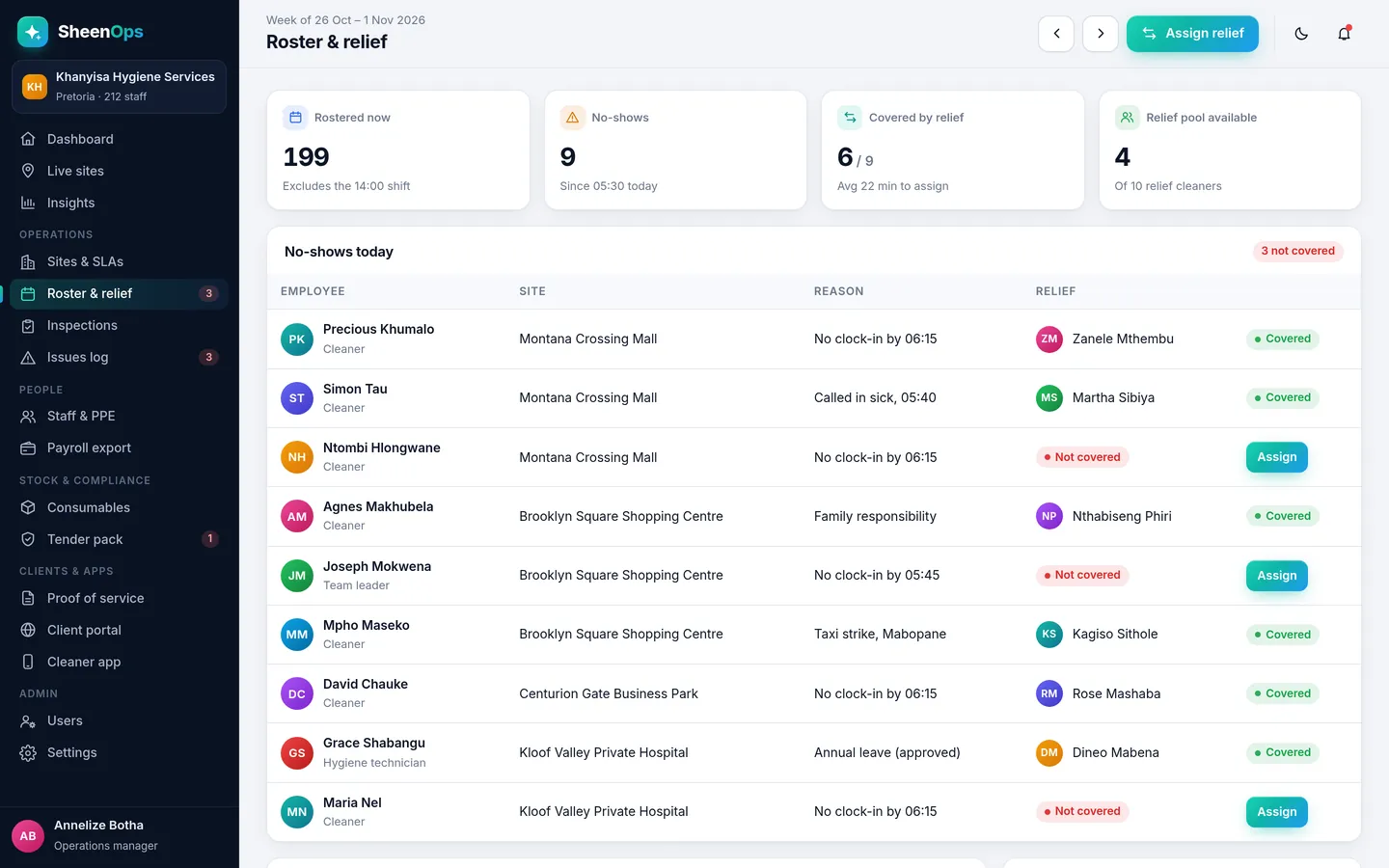
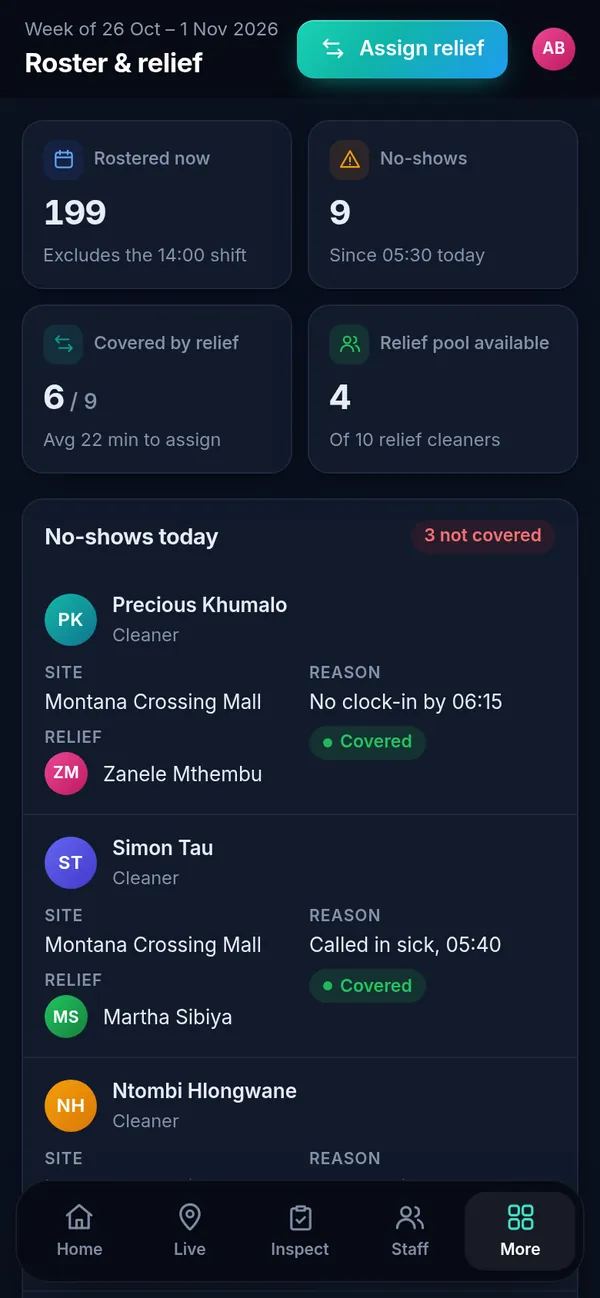
Plan the week's roster per site. When a cleaner does not clock in, SheenOps shows the gap and the relief cleaners who are free nearby. Assign one in two taps and the client never notices.
How it works, simply
Every morning, the roster page shows who was supposed to be on site and who actually clocked in. No-shows are listed with the reason if one was given. Next to it is your relief pool. Tap Assign, pick a relief cleaner, and they get the site and shift on their phone.
What you get
- Weekly roster per site and shift
- No-shows listed straight after shift start
- Relief pool with who is free today
- Cover is recorded for payroll and the client report
Why it matters for your contracts
Cleaning contracts in South Africa are renewed on trust and lost on complaints. Roster & relief cover turns the work your team already does into proof you can show the client, without extra admin for your supervisors.
It is one module of SheenOps. Use it on its own, or with staff documents & ppe and client reports for the full picture.
Roster & relief cover: questions
Can relief cleaners work at different sites?
Yes. Relief cleaners can be assigned to any site, and their hours are counted for the site they actually worked at.
How much does SheenOps cost?
It depends on the modules you switch on and the size of your team. Ask for access to a working demo or WhatsApp us, and we will send you a quote that fits your company.
See SheenOps with your own sites
Ask for access to a working demo. We set it up with your sites and checklists, and give you a login to test it with your team. Or WhatsApp us with a text or voice note.